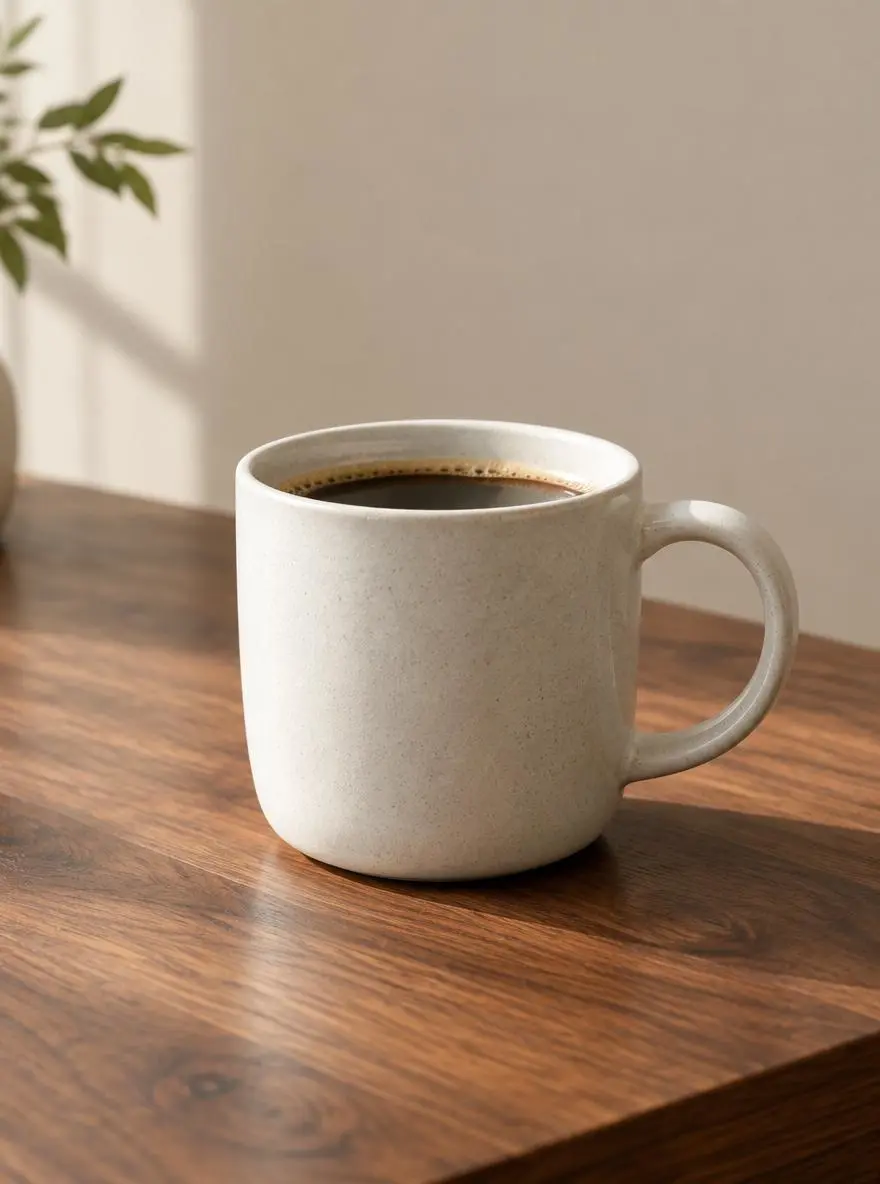
Product Composition
Create a focused product composition.
An unbranded ceramic coffee cup on a walnut table, soft window light, simple beige background, close-up product composition with natural shadows.

GPT Image is OpenAI’s image-generation and editing model family. This WeShop page lets you choose GPT Image 2, GPT Image 2.5 Flare, or GPT Image 2.5 Sunburst.
GPT Image is OpenAI’s image-generation and editing model family. This WeShop page lets you choose GPT Image 2, GPT Image 2.5 Flare, or GPT Image 2.5 Sunburst. Use this family entry to create a new image from a written brief or revise an uploaded product, portrait, or composition. Choose GPT Image 2, Flare, or Sunburst before judging a result; the three names identify different models.
Create a focused product composition.
An unbranded ceramic coffee cup on a walnut table, soft window light, simple beige background, close-up product composition with natural shadows.

Explore a clear poster layout and visual hierarchy.
A minimal poster concept for a weekend plant market, illustrated green leaves, cream background, a clear central space for the event title and details.
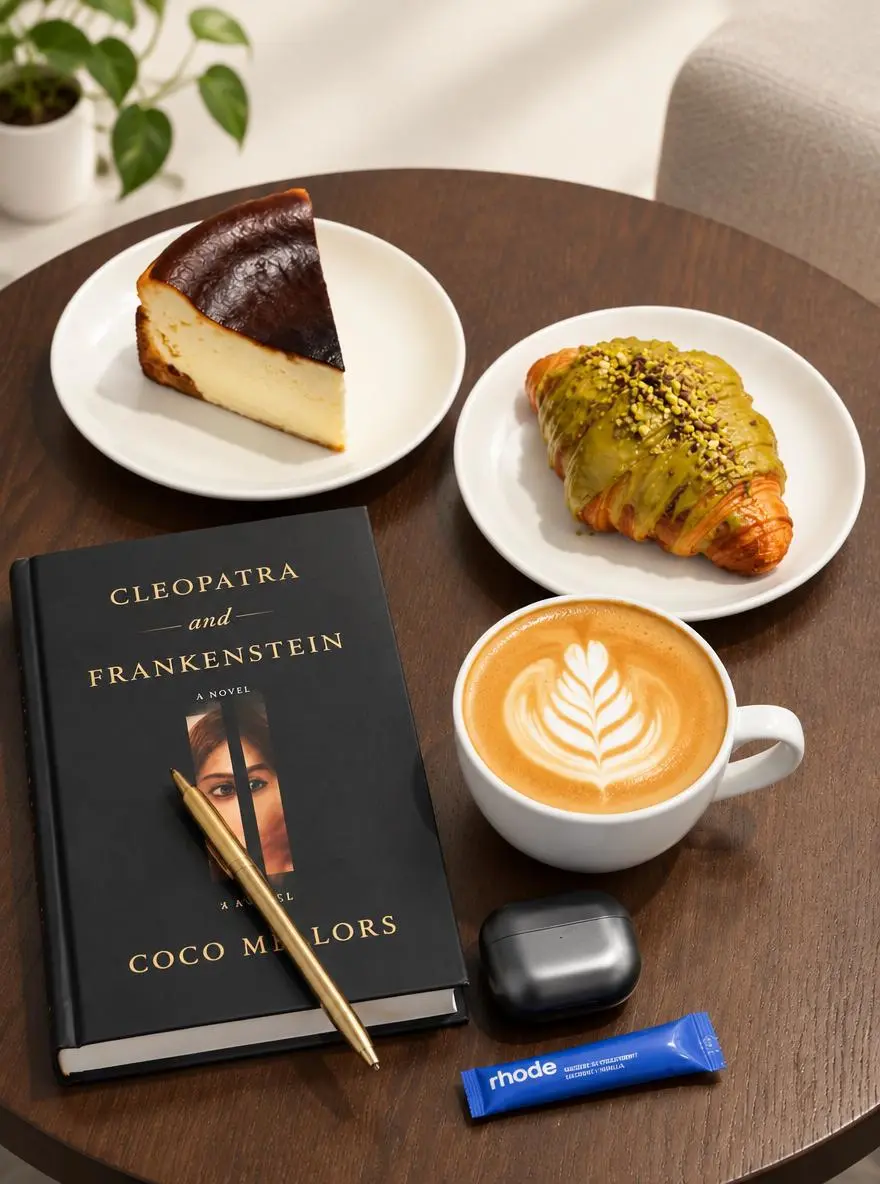
Edit your own reference with a specific instruction.
Use the uploaded photo as the reference. Explore a brighter studio background and softer shadows while focusing the composition on the main product.
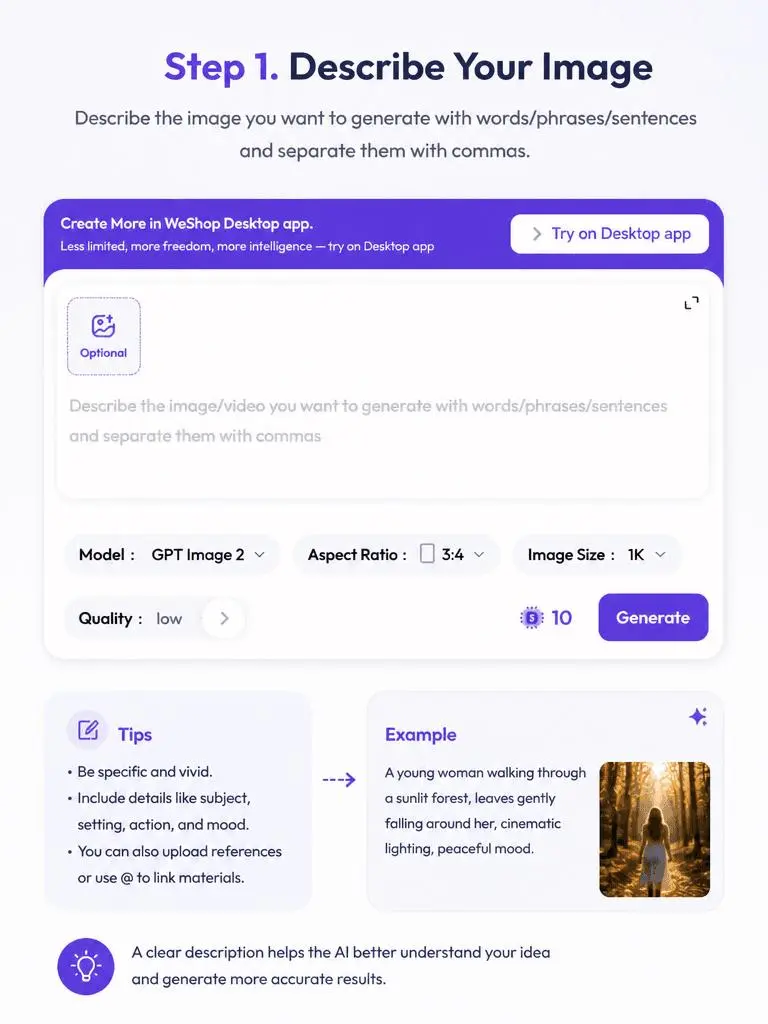
Choose GPT Image 2, GPT Image 2.5 Flare, or GPT Image 2.5 Sunburst. Write the complete image brief; for an edit, upload the source and explain the change.
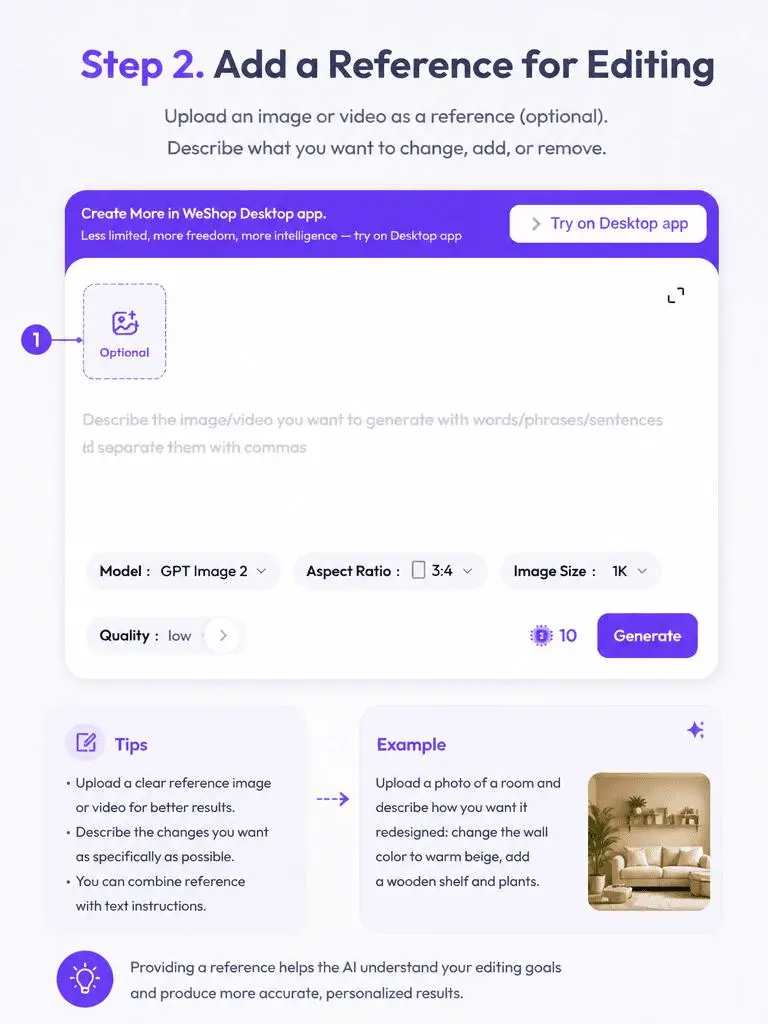
Size labels: 1K, 2K, 4K. Quality: low, medium, high. Aspect ratios: auto, 1:1, 1:2, 2:1, 1:3, 3:1, 2:3, 3:2, 4:3, 3:4, 16:9, 9:16, 21:9, 9:21. These are selectable settings, not fixed pixel dimensions or file-format guarantees. Check the original output for the actual dimensions and duration. Review the displayed points and your plan’s model access before submitting.
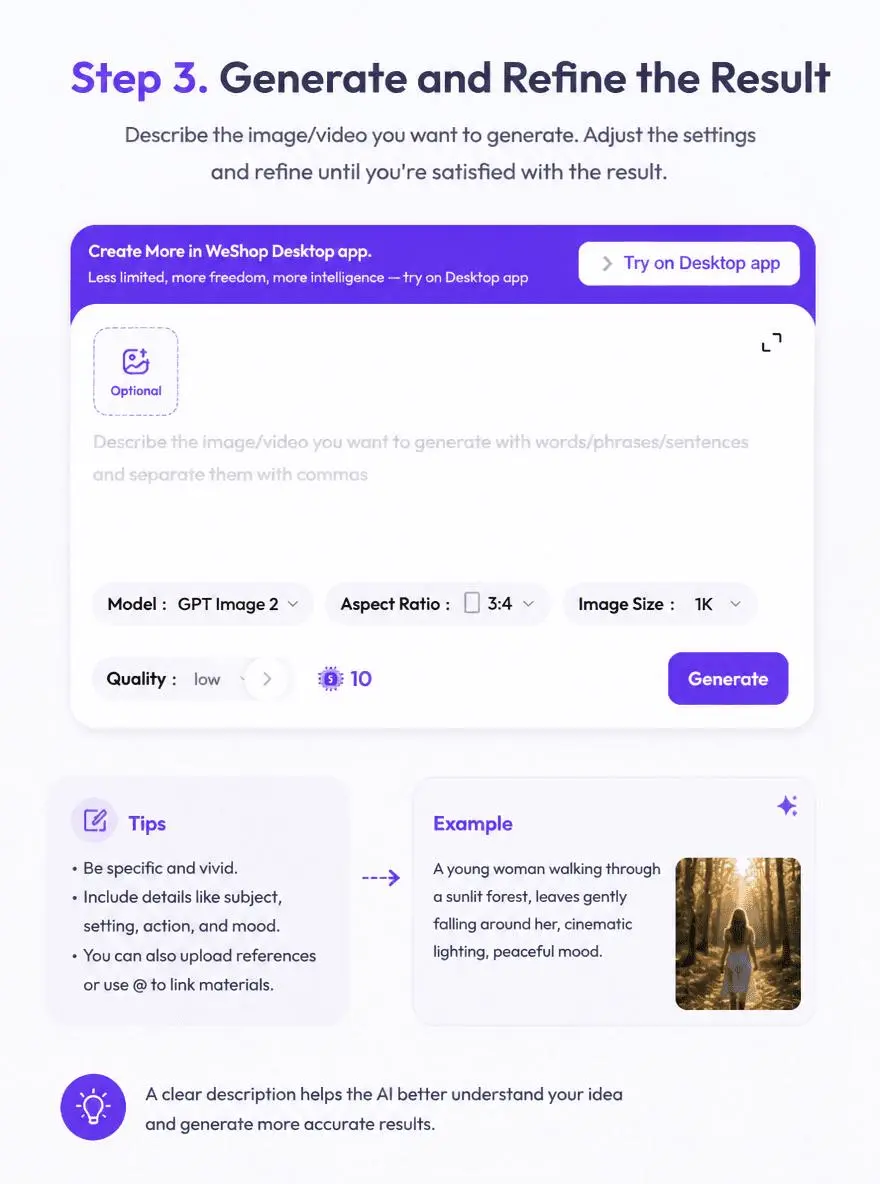
Check required wording and layout in a new design. For edits, compare the changed region and retained product or face details with the original.
Size labels: 1K, 2K, 4K. Quality: low, medium, high. Aspect ratios: auto, 1:1, 1:2, 2:1, 1:3, 3:1, 2:3, 3:2, 4:3, 3:4, 16:9, 9:16, 21:9, 9:21. These are selectable settings, not fixed pixel dimensions or file-format guarantees. Check the original output for the actual dimensions and duration.
Review Generation Settings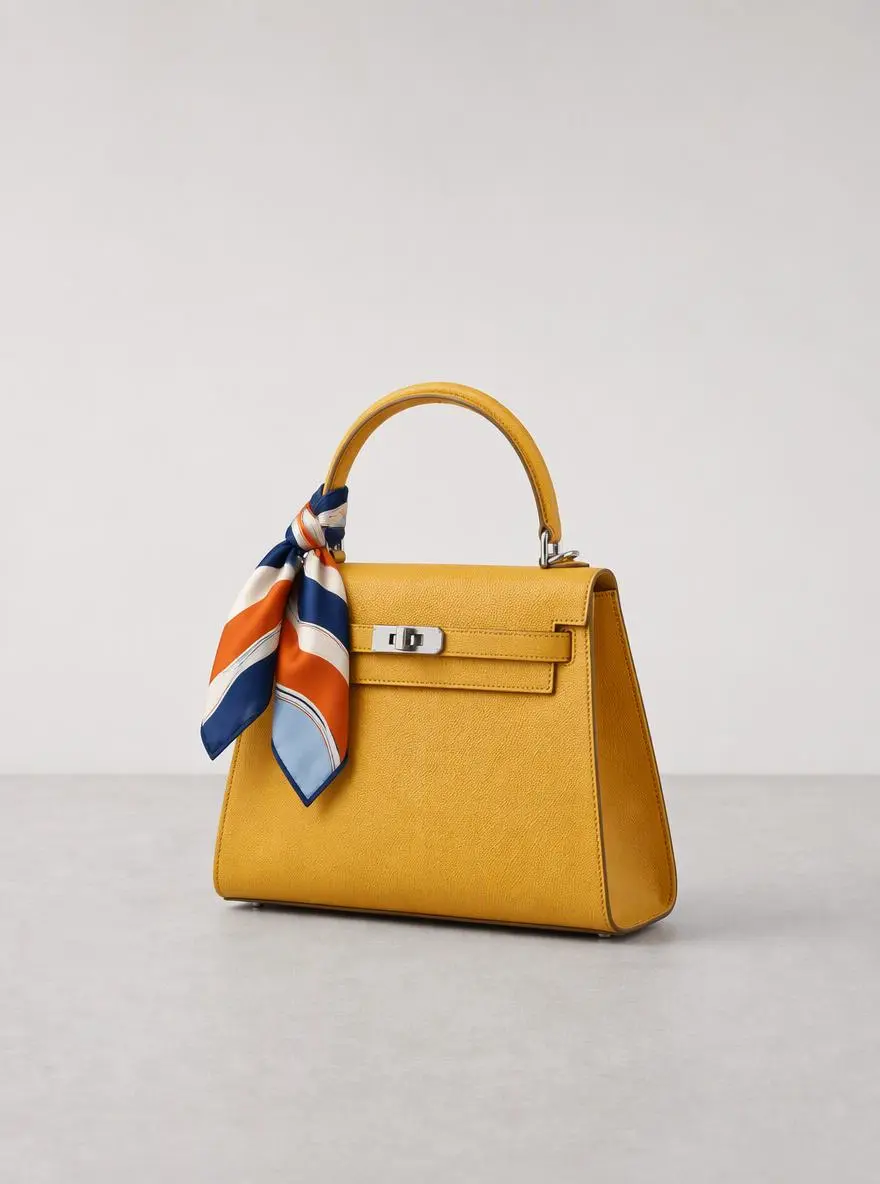
Explore compositions, settings, and visual directions for a product brief.
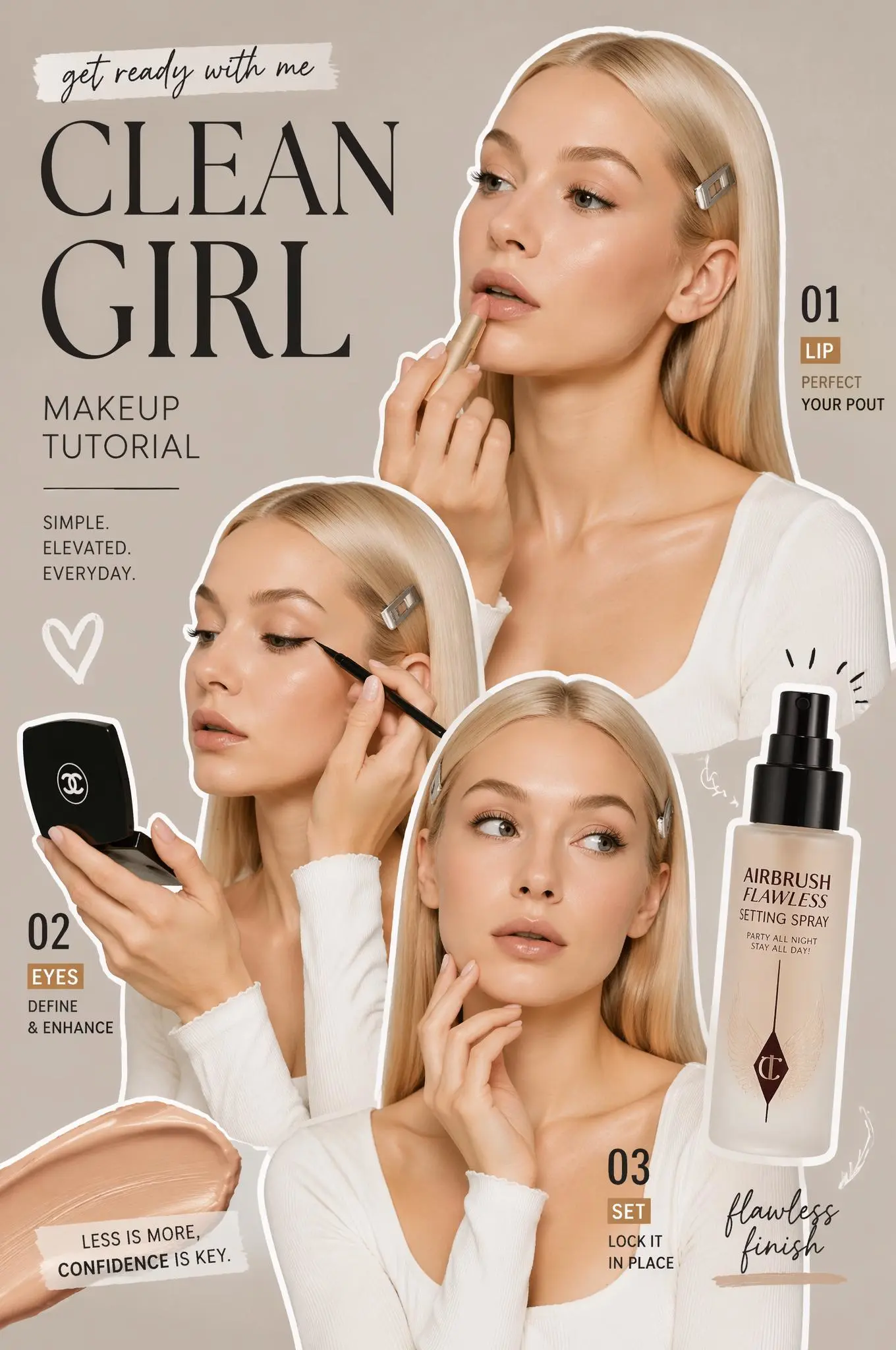
Develop a poster concept around a clear hierarchy and defined visual style.
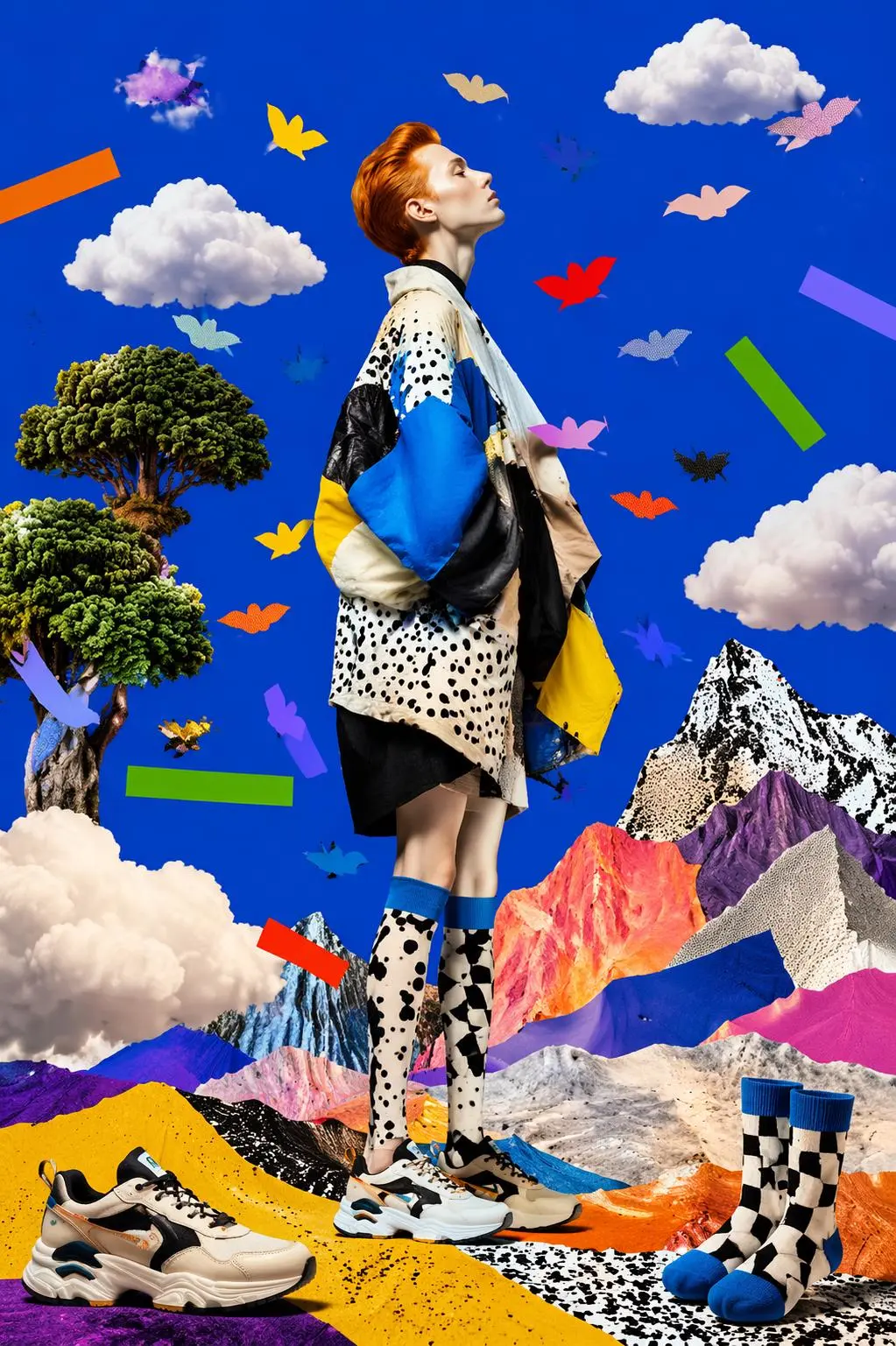
Use an existing image as the starting point for a specific visual change.
Direct answers about model inputs, workflows, settings, and availability.
GPT Image is OpenAI’s image-generation and editing model family. This WeShop page lets you choose GPT Image 2, GPT Image 2.5 Flare, or GPT Image 2.5 Sunburst.
Use this family entry to create a new image from a written brief or revise an uploaded product, portrait, or composition. Choose GPT Image 2, Flare, or Sunburst before judging a result; the three names identify different models.
Enter text for a new image. Add source images for an edit and describe what should change and remain. This page has a model selector; check it before submitting.
Size labels: 1K, 2K, 4K. Quality: low, medium, high. Aspect ratios: auto, 1:1, 1:2, 2:1, 1:3, 3:1, 2:3, 3:2, 4:3, 3:4, 16:9, 9:16, 21:9, 9:21. These are selectable settings, not fixed pixel dimensions or file-format guarantees. Check the original output for the actual dimensions and duration.
Check the current WeShop Pricing page for your plan’s model access and allowance, and review the points estimate in the generator for your selected settings and quantity. This page does not quote a fixed per-request price or transfer another provider’s subscription quota to WeShop.
Model positioning is not a measured speed ratio or a guarantee of correct text and exact edits. Keep the same inputs when comparing results. Check required wording and layout in a new design. For edits, compare the changed region and retained product or face details with the original.
The saved GPT Image examples show Product Composition, Poster Concept, Reference Image Edit. Inspect each result alongside its actual prompt and available inputs. A case illustrates one request, not a guaranteed result or a success-rate benchmark.
OpenAI positions Flare for fast everyday generation and Sunburst for demanding image generation and editing. GPT Image 2 remains a separate option. Quality controls depend on the model selected in WeShop.